 Rasti
Rasti
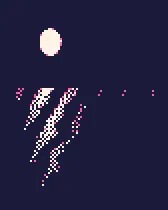
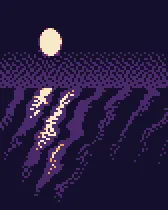

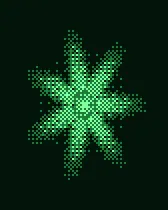

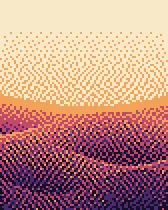
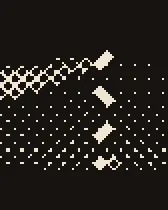
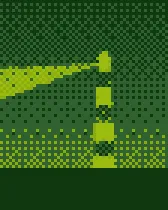
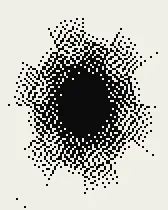
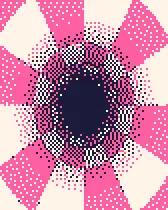
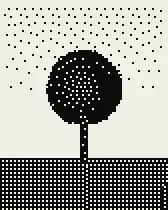
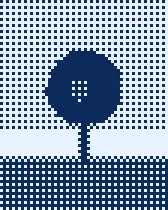
Make Noise.
Make Art.
Rasti is a browser studio for dithering, halftone and pixel art. Turn any picture into texture, share the exact settings as a link, and record where a work came from on Base.
JSON Every look is one preset you can copy, link and remix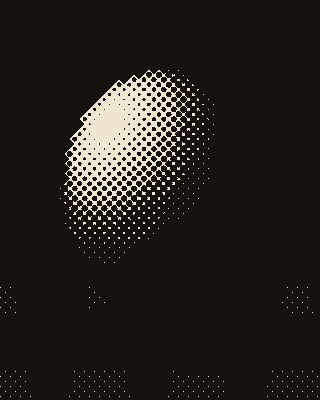
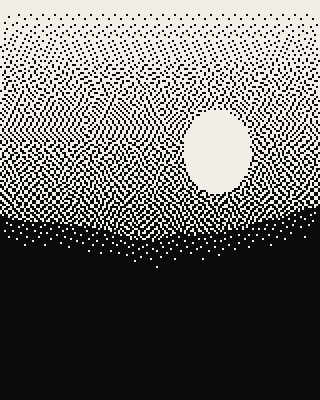
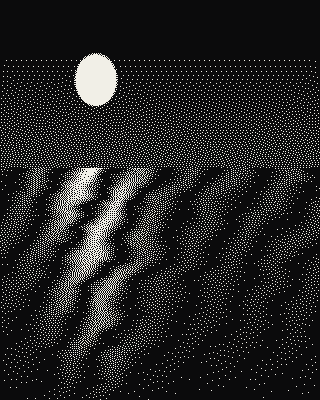

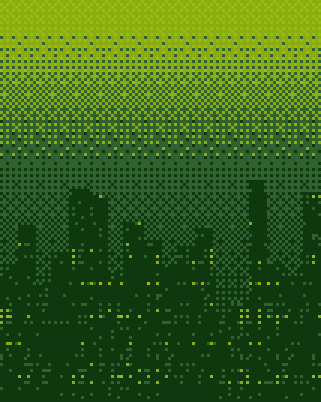

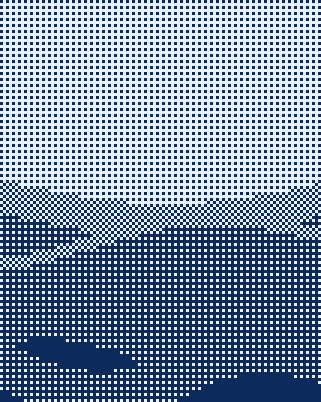
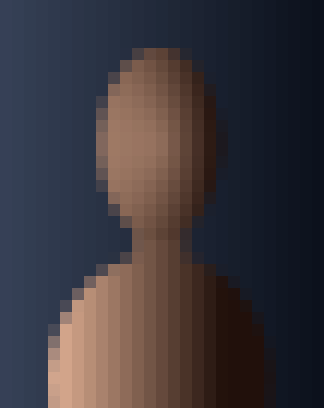
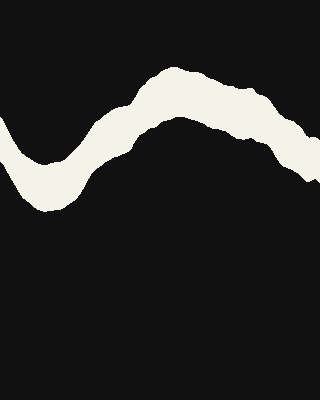
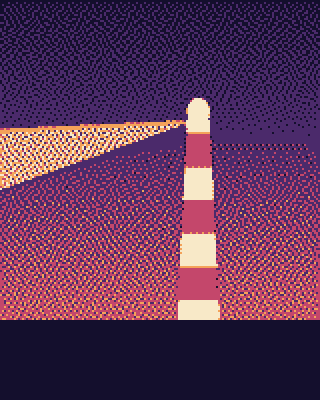
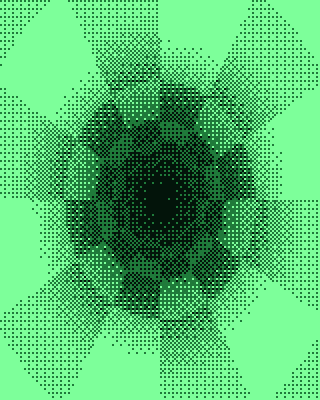
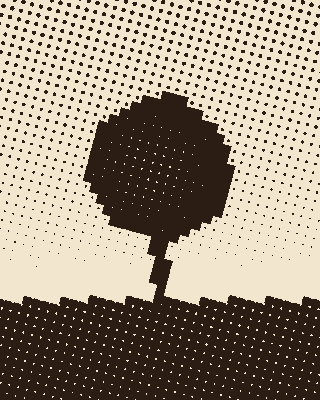
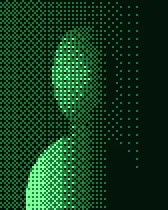
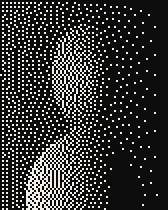
One picture, twelve looks
This panel is not a video. Your browser is re-drawing the same picture with each preset from the library: error diffusion, ordered grids, halftone dots, hard thresholds and big pixels. The studio does the same with your own image, at full size, and shows how many milliseconds each pass took on your machine.
How Rasti works in three steps
- 01Drop a picture
Any photo, render or sketch. It is decoded and processed inside your browser tab; nothing is uploaded to make it.
Open the studio → - 02Tune the noise
Pick an algorithm, a pixel size and a palette, then nudge contrast and threshold. Before and after sit side by side.
Start from a preset → - 03Share or record it
Export PNG or WebP, copy a link with the exact settings, publish to the gallery with a signature, or record its hash on Base.
How provenance works →
Every look fits in one small object.
Algorithm, pixel size, contrast, brightness, threshold, palette, dot size and angle: the whole render is one preset. It travels in a share link, it is hashed when you record a work, and anyone who opens it gets the same settings on their own picture. Read the format, fetch the preset library as JSON, or build presets in code.
// the Desktop '84 preset
v  1
algorithm  "atkinson"
pixel  2
contrast  20
brightness  0
threshold  128
palette  ["#0b0b0c","#f1efe7"]
forcePalette  true
serpentine  true
dot  8
angle  45
invert  false
Fresh from the studio
Our own sample works, one per preset. Hit Remix to open the same settings on your picture.
Each sample started as a colour scene painted in code, then went through the same engine you use in the studio, with the preset named on its card. Nothing here was drawn by hand or taken from elsewhere. Open any of them and you get the settings, not the picture: drop in your own photo, sketch or screenshot and the look follows it, down to the palette and the size of every pixel.
Your look, someone else's picture.
Publish a work with remix allowed and its settings become a starting point for everyone. A remix keeps a link to the work it came from, in the gallery and, when you record it, on Base as well. Closed works stay closed: the contract refuses a remix of anything recorded without permission, and you can take your own gallery entry down whenever you like.